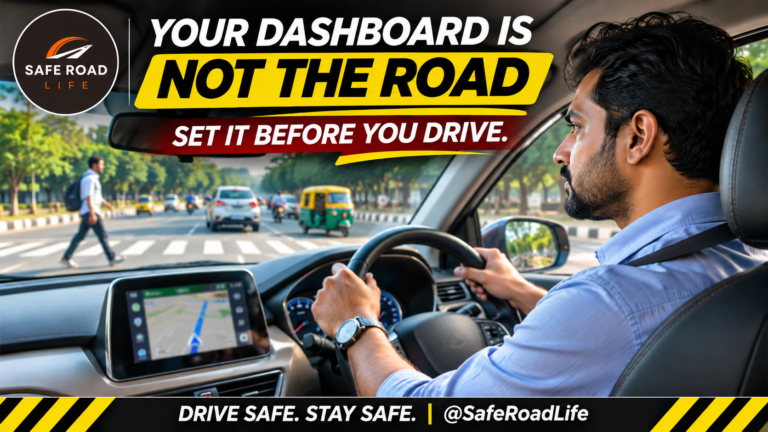
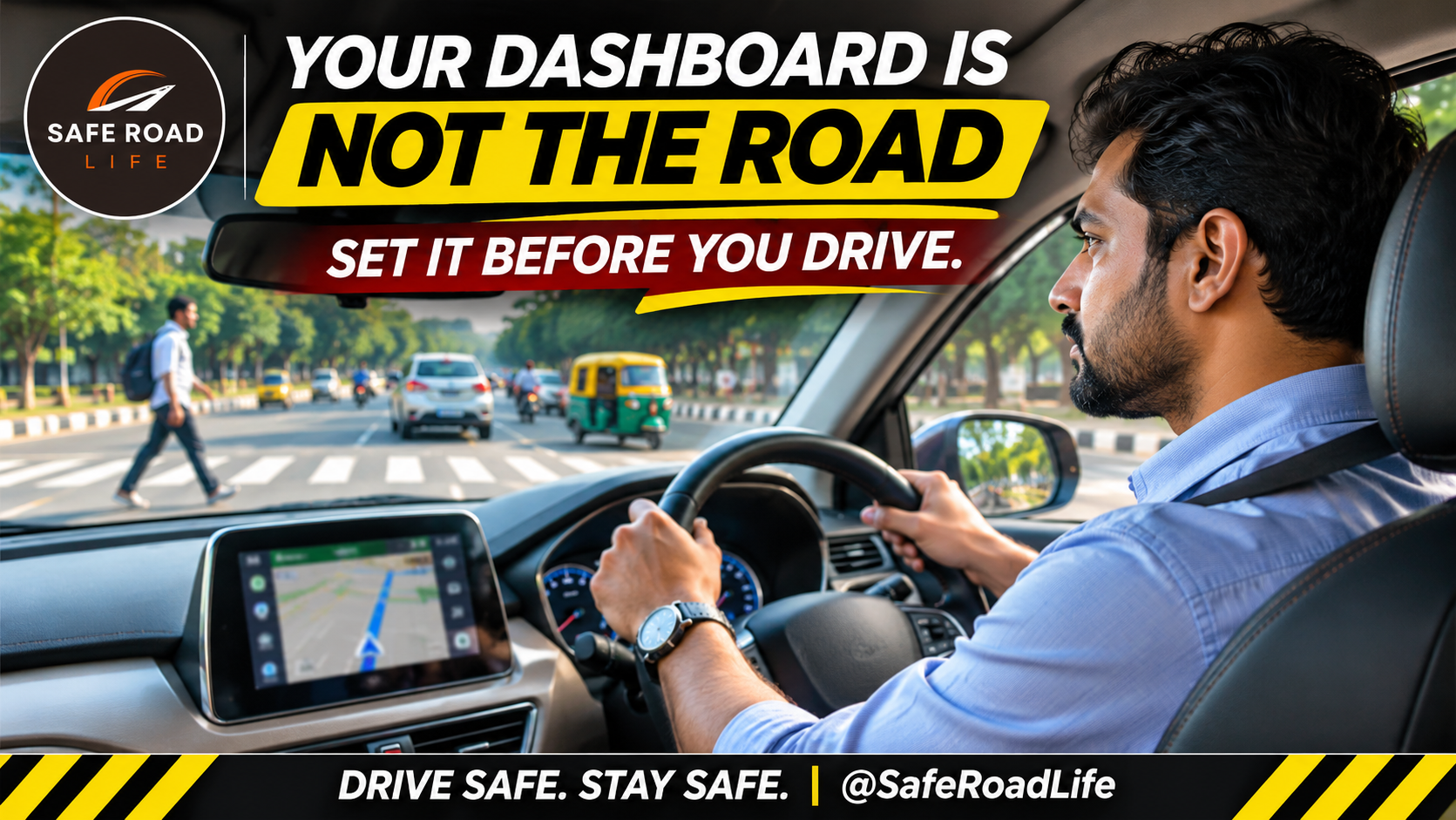
A modern car may have a large touchscreen, navigation system, music controls, connected apps and voice commands. These features can make a journey more convenient, but they can also compete for the driver’s attention.
A driver who looks down to change a song, searches for a destination while moving, or repeatedly taps a touchscreen may miss a pedestrian, a braking vehicle or a changing traffic signal.
Distraction is not limited to mobile phones. It can be visual, manual or cognitive—and some in-car technology can involve all three.
The safest technology is the one that helps you drive without taking your attention away from driving.
1. Set your destination before moving
Enter the destination, review the route and start navigation before moving the vehicle. If the route needs changing, stop at a safe and legal place first. Never type an address while driving.
2. Do not keep looking at the navigation screen
A navigation display is an aid, not a replacement for observing the road. Use clear voice guidance where practical. Keep the screen positioned so it does not obstruct your view, and avoid repeatedly checking the map while approaching junctions.
3. Choose your music before starting
Repeatedly changing songs, playlists or radio stations takes attention away from traffic. Select your music or audio before departure. If you need to change it, wait until the vehicle is safely stopped.
4. Avoid complicated touchscreen menus while driving
A touchscreen may require several taps and visual checks to complete a simple task. Do not explore settings, browse apps, read messages or adjust entertainment features while moving. Convenience should never come at the cost of control.
5. Do not assume voice commands eliminate distraction
Voice commands may reduce the need to touch a screen, but they can still occupy your attention. If a command is not recognised, do not keep repeating it while driving. Leave the task until you have stopped safely.
6. Keep climate and vehicle controls simple
Before departure, set the temperature, airflow, mirrors and other essential controls. If a control requires you to look away from the road for more than a brief moment, wait until the vehicle is stopped. Know the location of essential physical controls before setting off.
7. Ask passengers to help with navigation
A passenger can select a destination, check a route or manage music without requiring the driver to interact with the display. However, the driver must retain responsibility for observing traffic and making driving decisions.
8. Stop safely when the route changes
Missing a turn is not an emergency. Do not brake suddenly, reverse, cross lanes or make a last-second turn because the navigation system has changed its instruction. Continue safely and allow the system to recalculate.
9. Keep software alerts and notifications under control
Disable unnecessary pop-ups and notifications before starting your journey. Avoid reading incoming messages or responding to alerts while driving. If an important call or message needs attention, stop in a safe, permitted location before responding.
A pre-drive technology checklist
- Destination entered and route reviewed.
- Music and audio selected.
- Climate and essential controls set.
- Phone notifications silenced.
- Screen positioned without blocking visibility.
- Passenger assistance arranged if needed.
- No screen interaction planned while moving.
A message for fleet operators and professional drivers
For buses, trucks, taxis and commercial fleets, technology distraction deserves special attention. Fleet managers should establish clear policies for navigation and infotainment use, include distraction awareness in driver training, and ensure that drivers never need to operate non-essential screens while the vehicle is moving.
A professional driver must be able to give the road their full attention.
The final message
Technology can guide your journey, but it cannot take responsibility for your decisions. The road changes every second. Your attention must stay with it.
“A screen can show you the route, but only an attentive driver can protect the journey.”
DRIVE SAFE. STAY SAFE.
@SafeRoadLife
References
WHO — Road Traffic Injuries
FMCSA — Distracted Driving
CDC — Preventing Distracted Driving
UK Highway Code — General Rules and Techniques
About the Author